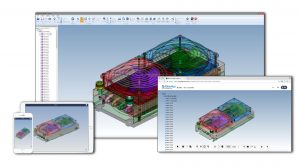
eDrawings for NX is the first email enabled collaboration tool designed to ease the sharing and interpretation of 2D & 3D product design data. It is a plug-in for NX that allows users to publish NX files as read only and ultra compact (upto 95% compression) eDrawings files for visualization, collaboration and design review.
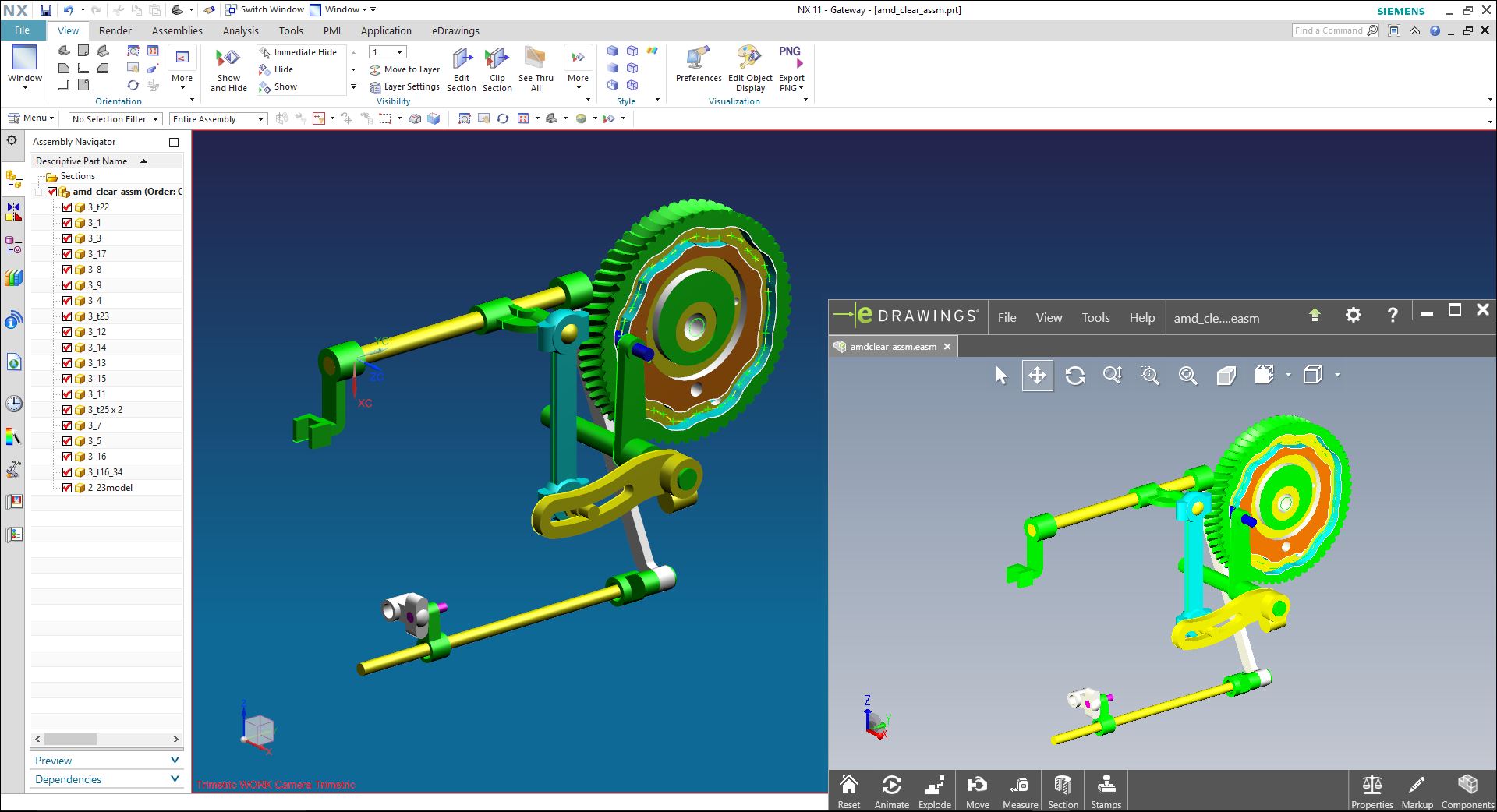
View, publish and share exact read-only representations of NX parts, assemblies and drawings for design review and collaboration.
Supported NX versions – NX 1984, NX 2007, NX 2206, NX 2212 and NX 2306
Register for Free Trial
Features & Benefits
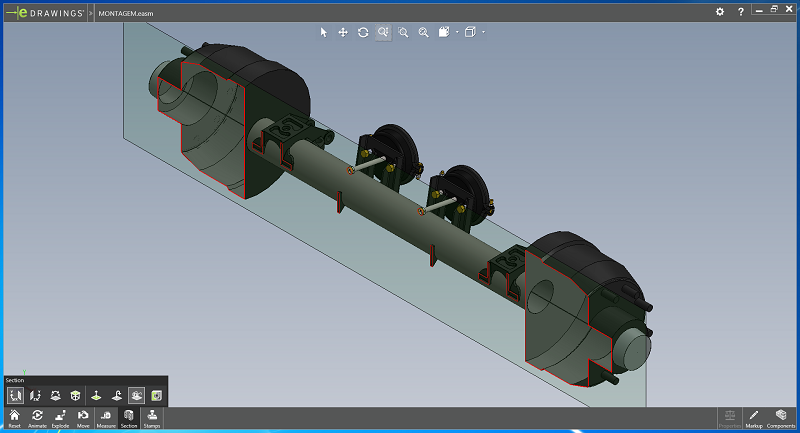
View cross sections of part and assembly files by creating a variety of cross section planes.
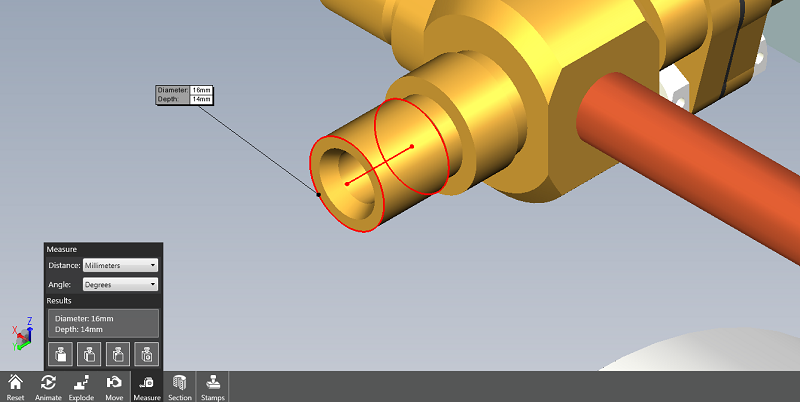
Use the Measure tool to measure exact dimensions in part, assembly, and drawing files.
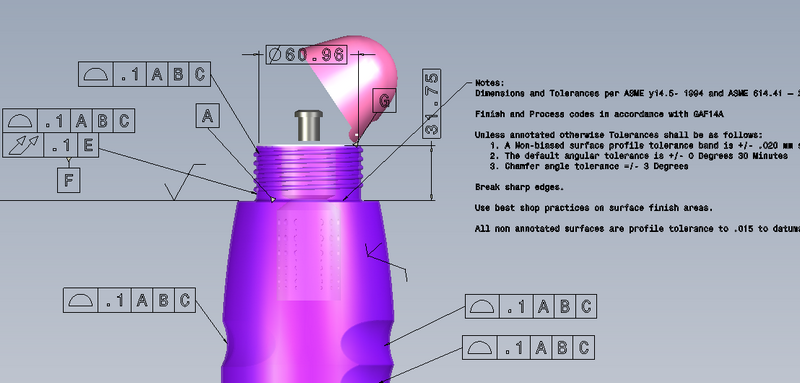
eDrawings recipients can view 3D annotations.
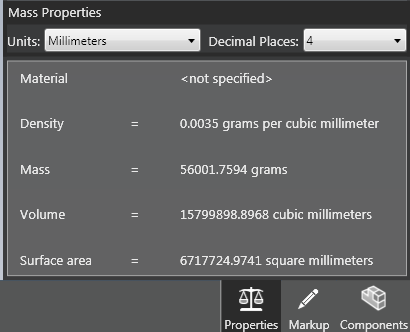
Query Mass, Volume, Density (parts only), and Surface area of the model.
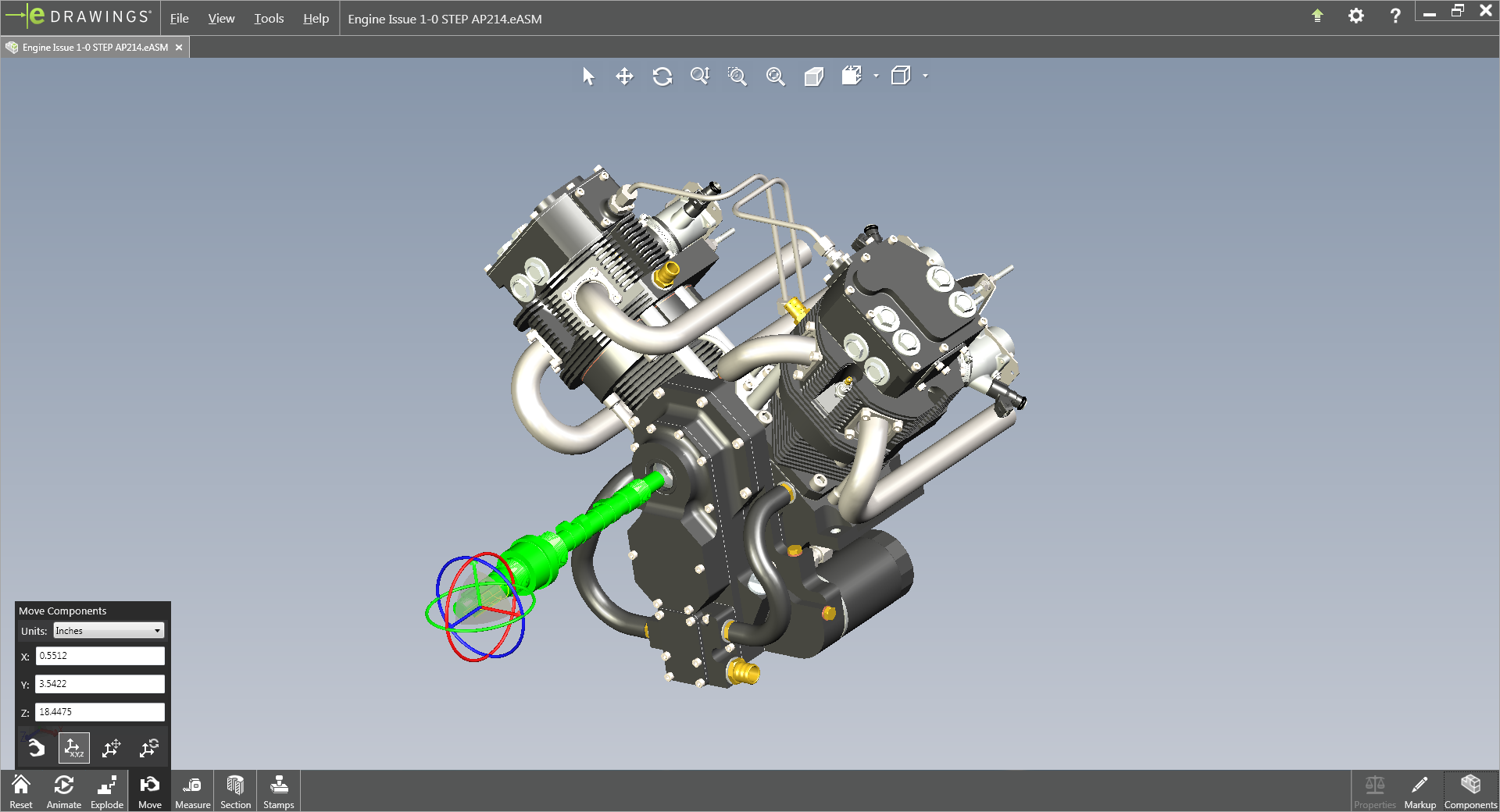
Move, show and hide components in an assembly file, or in a drawing file of an assembly. You can also move entire subassemblies.
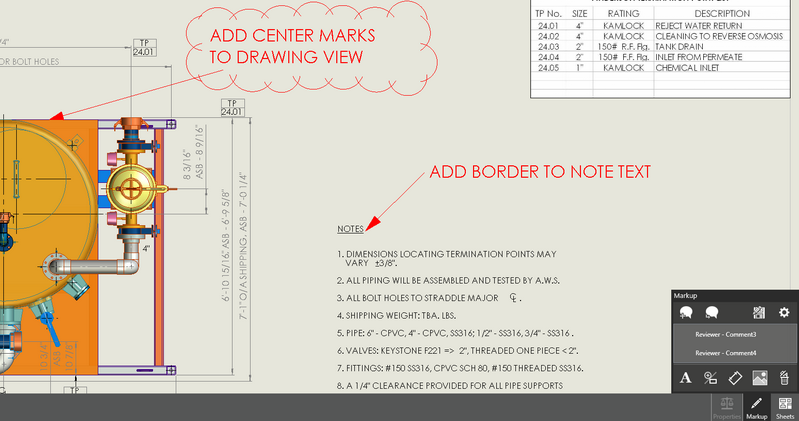
Add markup elements, such as geometric elements, clouds, text, or dimensions to the comment using the markup tools.
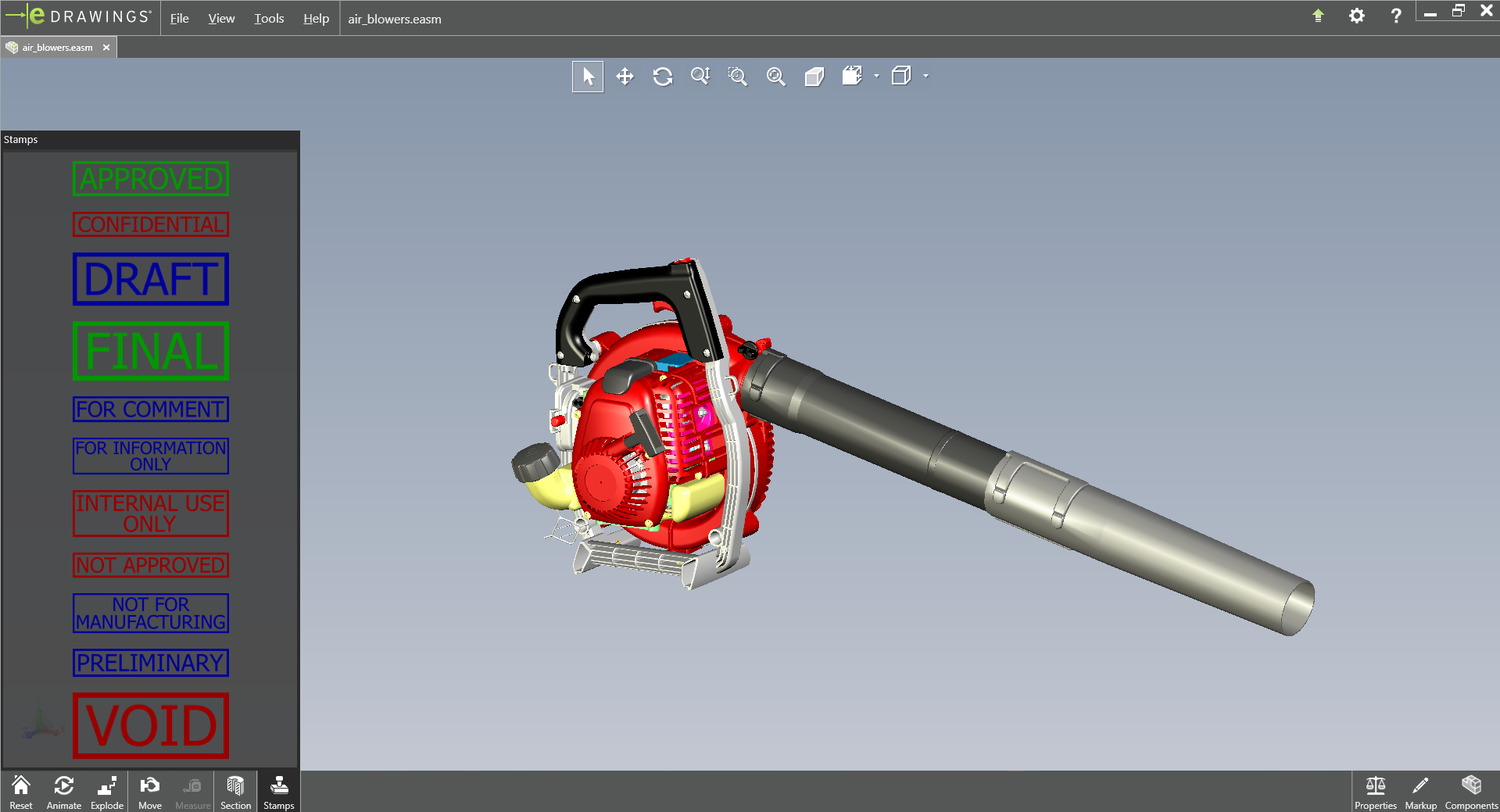
Insert your company logos and images as stamps in the eDrawings file.
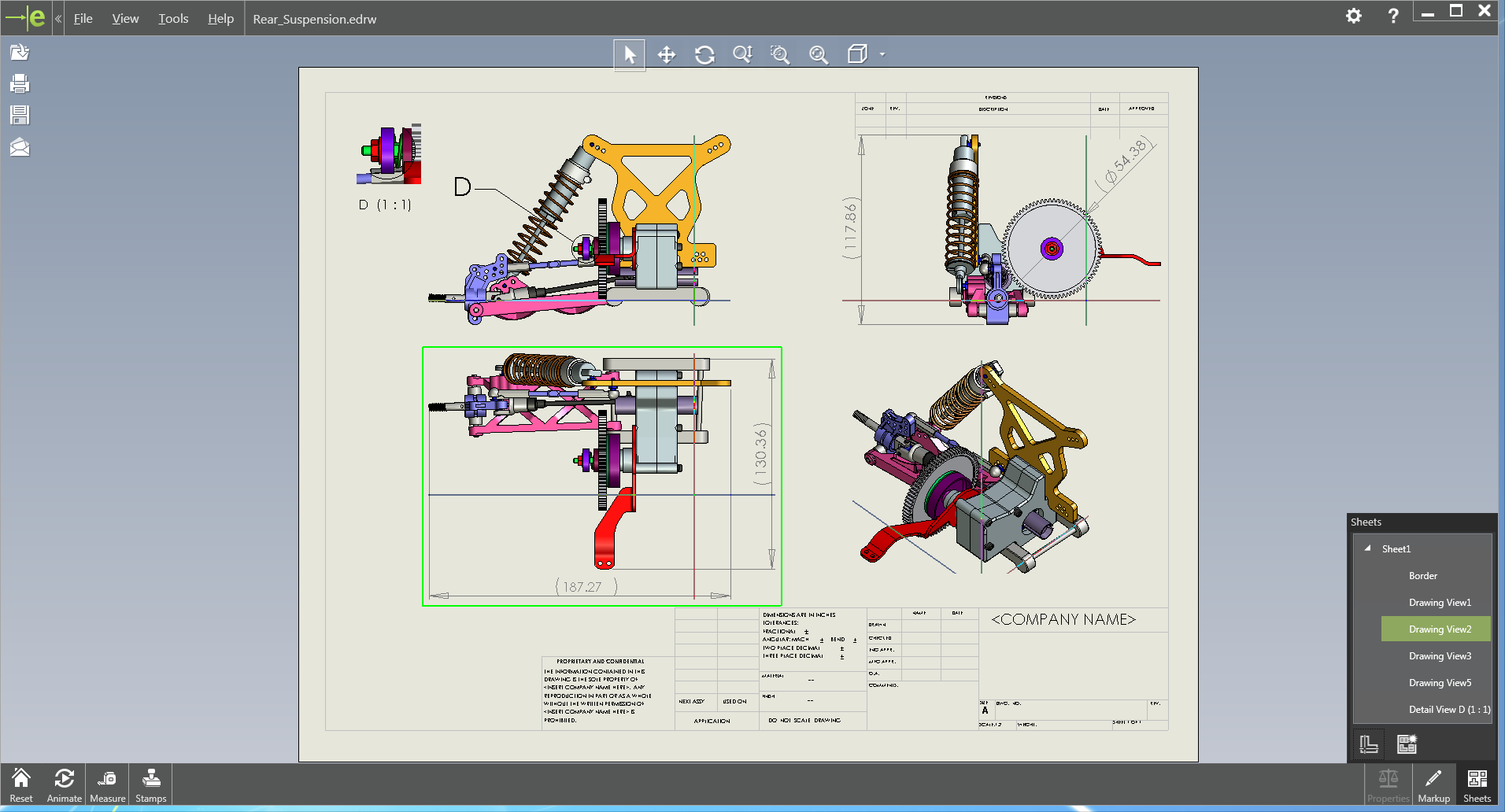
Visualize drawings more effectively by exporting 3D shaded data in drawing files.
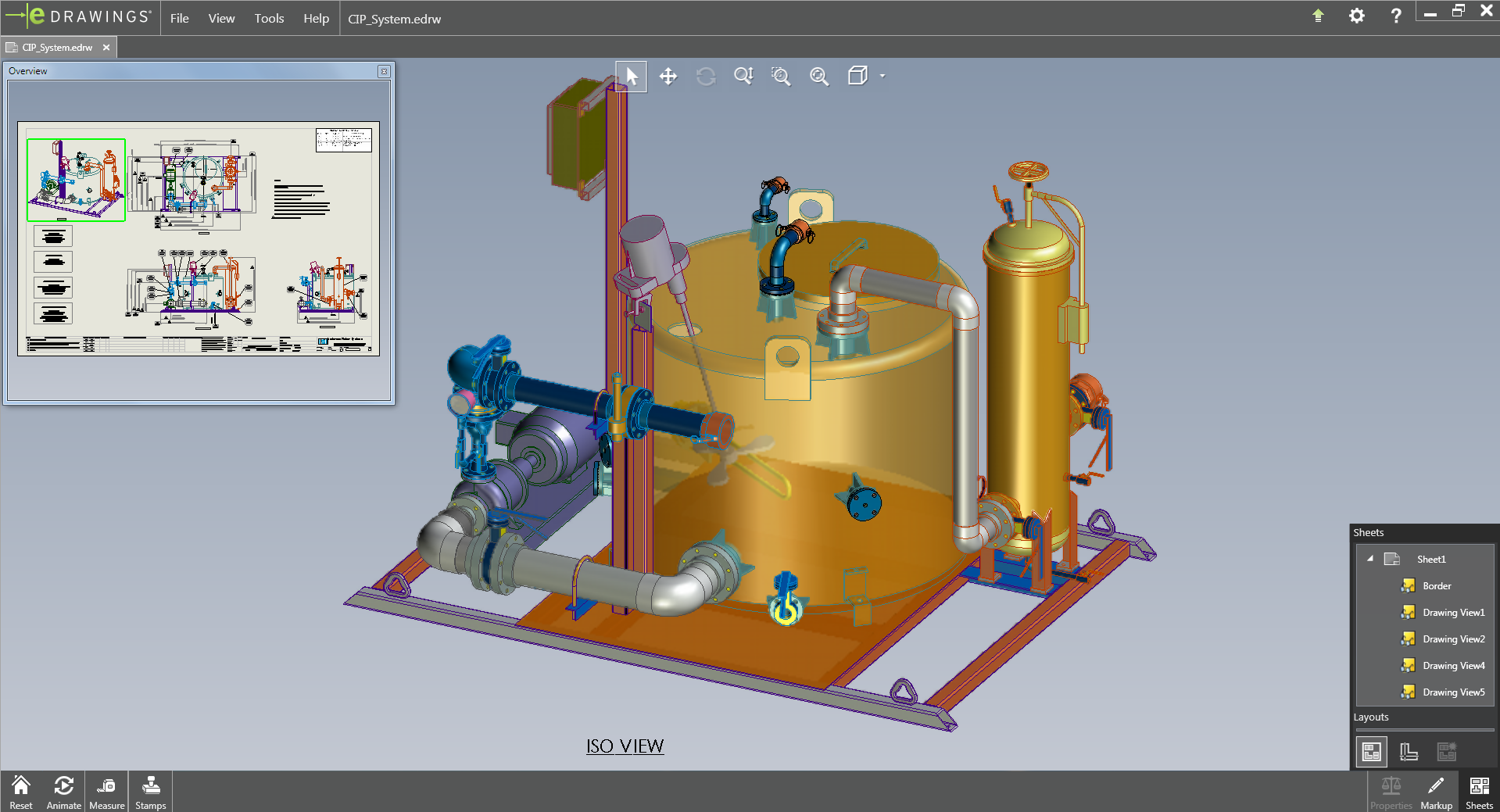
Open individual views in a drawing and arrange them in any way you desire, regardless of how the views were arranged in the original drawing. eDrawings layouts also automatically align the views intelligently and enable the eDrawings recipient to print and export any subset of a drawing.
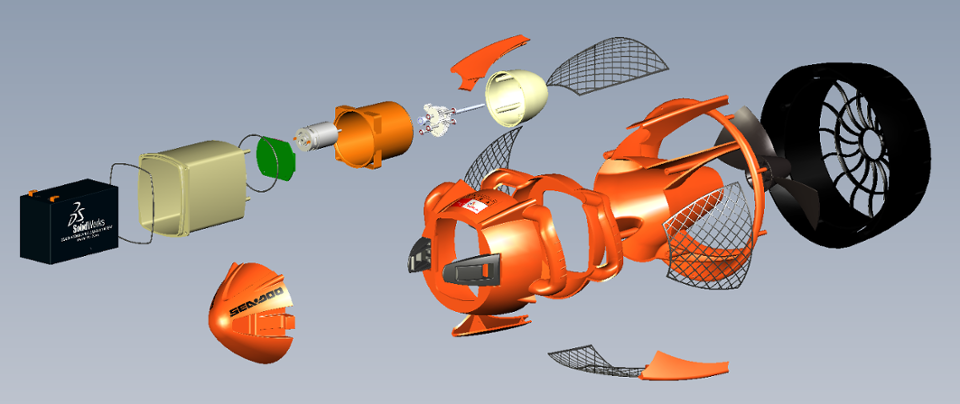
Demonstrate how drawing views relate to each other. With the click of a button eDrawings animates all the views contained in your drawing. Try out this feature yourself and see why everyone is so excited about eDrawings!
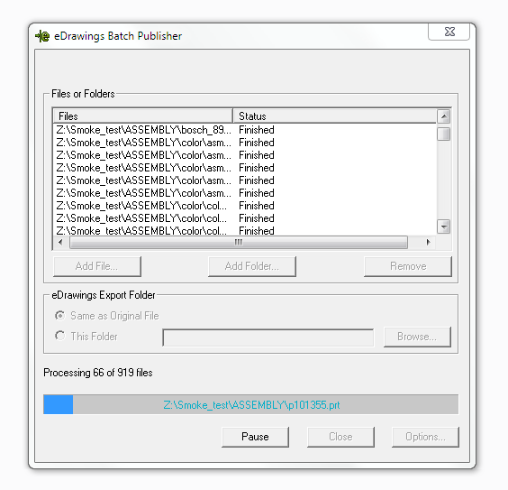
Convert multiple NX files to eDrawings.
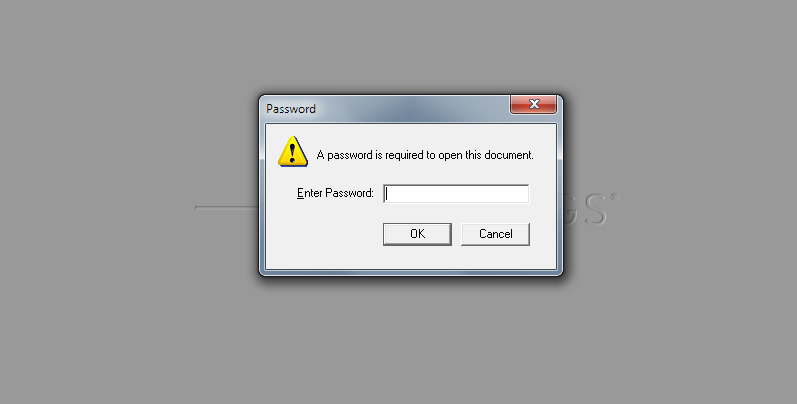
Password protect eDrawings, disable measurement and STL export to protect sensitive data
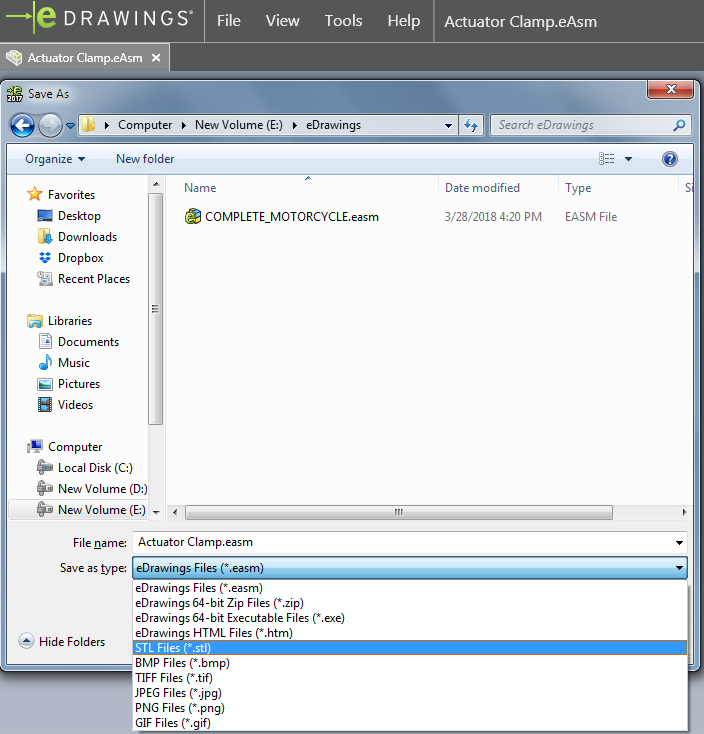
eDrawings can be optionally exported by the eDrawings Viewer as STL files.
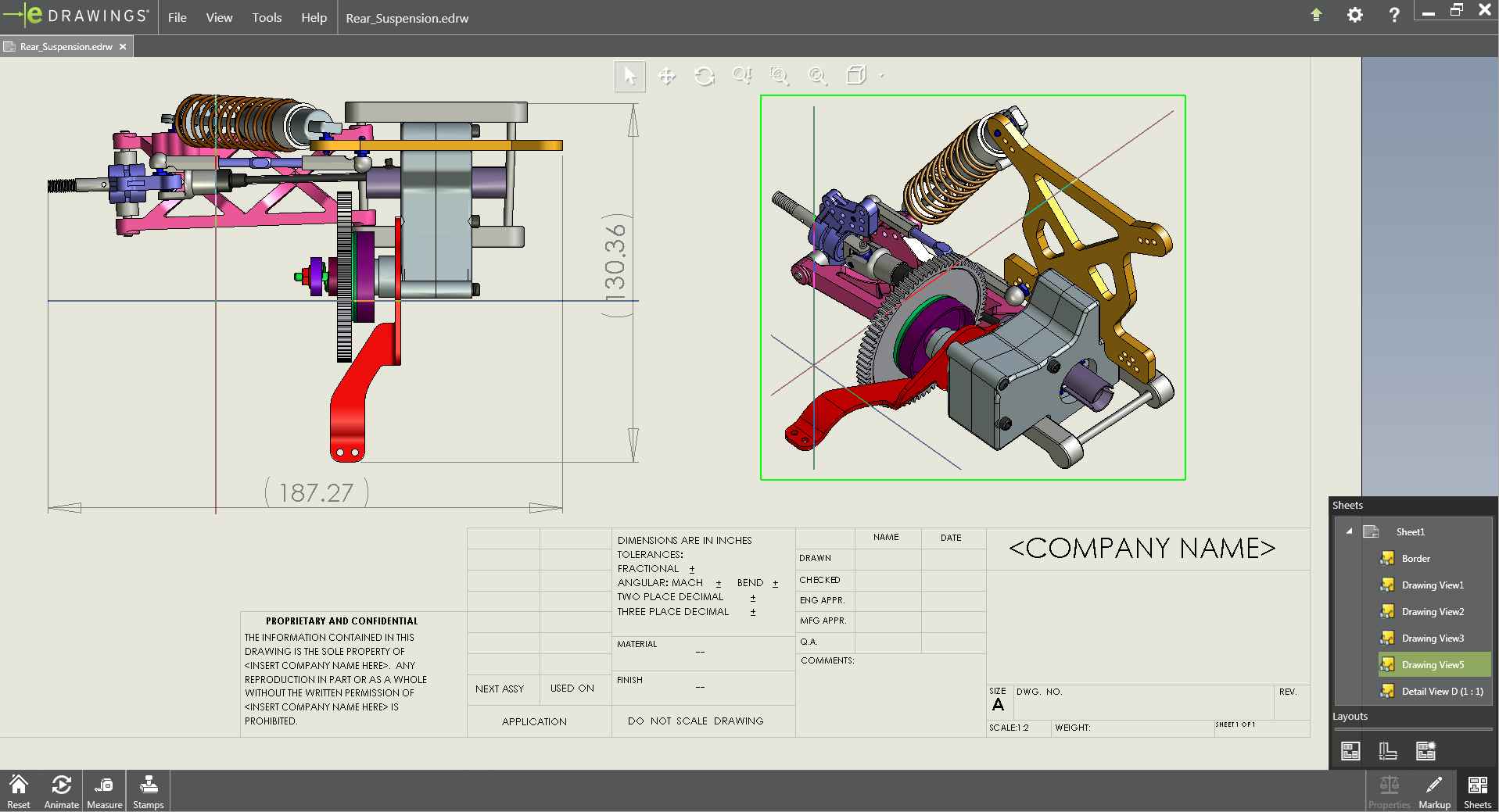
Easily identify and match geometry in multiple views using the 3D Pointer.
eDrawings publishers are also available for Creo, CATIA V5, STEP/IGS/STL, Autodesk Inventor, Solid Edge and PTC Creo Elements/Direct.
You may also like
Glovius – Modern CAD Viewer
Glovius is a modern CAD file viewer. View CATIA, NX, Creo, SolidWorks, Inventor, Solid Edge, Pro/ENGINEER, STEP, IGES, and JT files with Glovius. Take measurements, cut sections, compare revisions, analyze CAD parts and assemblies, create reports for collaboration, and export to STEP, 3DPDF, STL, and many more formats. Glovius comes with a free 2D viewer to view DWG, DXF, and CATDrawing files.
Benefits
- View popular CAD parts and assembly files in one application. Glovius supports 48 CAD file formats.
- Analyze CAD files without a CAD license. Glovius helps you save on CAD license costs.
- Simple and easy to use. No training required. Glovius is a modern CAD viewer that’s instantly familiar to most users.
- Free iOS and Android apps. View 3D CAD files on your iPhone, iPad, and Android devices. Collaborate on the go.
Glovius is available on Windows, iOS, Android, and on cloud.glovius.com. Glovius Augmented Reality app is available on Android.